
 AI Tools
 Health
 Math
Math Everyday Life
 Finance
 Physics
 Chemistry
 Statistics
 Construction
 Pets
Pets Time & Date
 Conversion Calculator
 Sign In
Pages
Category
Follow Us On:
Pages
Category
Follow Us On:
Select shape, enter the required dimensions, click “Calculate”, and see the area along with a detailed step-by-step solution.
Related
This area calculator helps you find the area of a wide range of geometric shapes, including squares, rectangles, triangles, circles, trapezoids, and more. Each result displays the formula used, step-by-step calculations, and flexible unit options (cm, m, ft, in, etc.), making it ideal for students, engineers, and professionals working with geometry. It is designed to provide fast and accurate results while giving you a clear understanding of how each area is calculated.
Follow these steps:
Choose the geometric shape from the drop-down menu for which you want to find the area.
Input the dimensions of the selected shape (such as length, width, radius, or height) and choose the units for these measurements (mm, cm, m, ft, in, etc.).
Click on the Calculate button to get the area. The calculator will also show the step-by-step calculation and the formula used.
Area is the measurement of a space enclosed by a two-dimensional shape. It shows the actual size of the shape and indicates the surface it covers. For three-dimensional shapes, you can use our surface area calculator.
In the International System of Units (SI), the area is expressed in square meters (m²). Other units are also commonly used:
A square has equal length and width. Insert the values in the formula:
Square Area = a × a = a²
a = Length of the square side
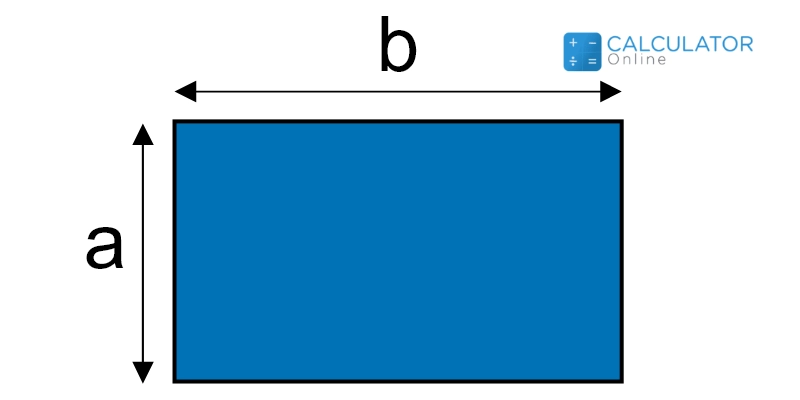
The area of a rectangle can be calculated using the formula:
Area of a Rectangle = length × width = a × b
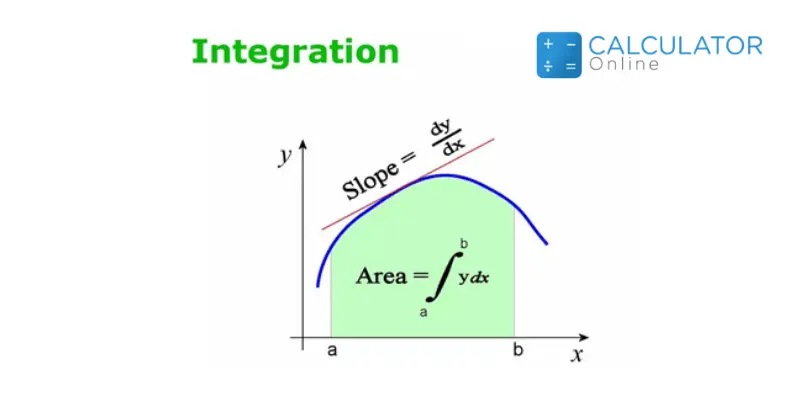
The formula depends on the parameters provided:
Triangle Area = (b × h) / 2
Triangle Area = 1/2 × a × b × sin(γ)
Area = √[s(s − a)(s − b)(s − c)]
where s = (a + b + c) / 2
Triangle Area = a² × sin(β) × sin(γ) (2 × sin(β + γ))
Using these formulas, you can easily calculate the area of a triangle based on the information you have. If these formulas look difficult to remember, simply use our triangle area calculator. It supports all these formulas, allowing you to calculate the area of a triangle accurately and instantly.
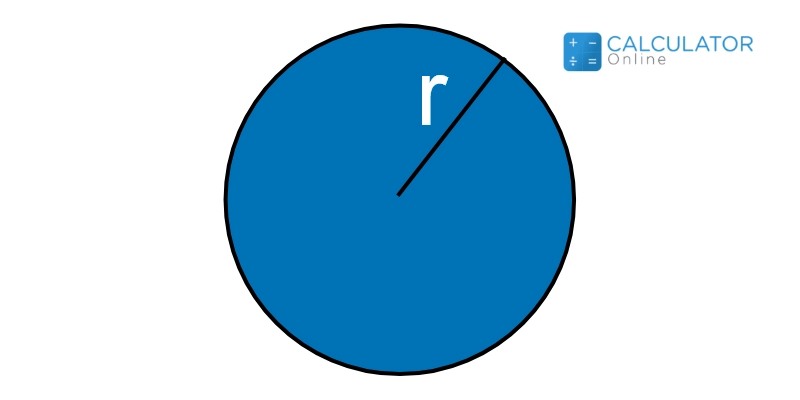
This is one of the most common and widely used figures in geometry. You can calculate the area of a circle using the formula:
Circle Area = π × r²
If you are working with a circular shape and want to analyze its area and properties, then our circle area calculator is the perfect tool for you.

The formula to find the area of a semicircle is:
Area of a Semicircle = (π × r²) / 2
Related
Add this calculator to your site.
×Just copy a given code & paste it right now into your website HTML (source) for suitable page.
Preview:



Easter into Action, Save With Satisfaction
UPTO
50 %
OFF
Give Us Your Feedback
Share Result
Area Calculator

Links
Home Conversion Calculator About Calculator Online Blog Hire Us Knowledge Base Sitemap Sitemap TwoEmail us at
Contact Us© Copyrights 2026 by Calculator-Online.net
